Français | English · All articles
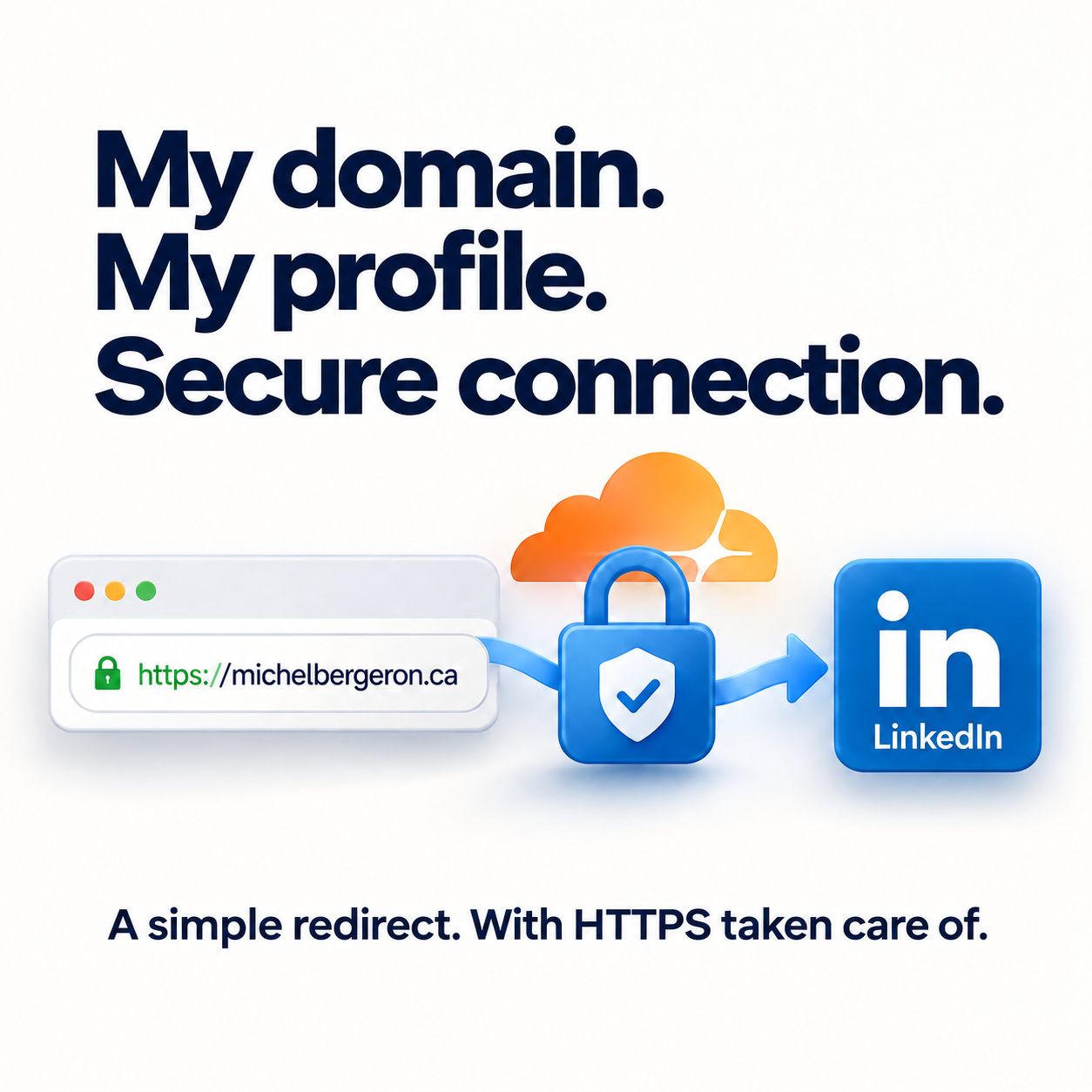
Before relaunching this website, I chose a simple solution: redirect michelbergeron.ca to my LinkedIn profile. My professional background and posts were already there. But a redirect that works over HTTP can still fail over HTTPS.
Why HTTPS makes a difference
When someone opens an HTTPS address, their browser first establishes a secure connection with the original domain. That domain therefore needs a valid certificate before the browser can receive the redirect to LinkedIn. LinkedIn’s HTTPS connection does not secure this first step.
Setting up HTTPS and the redirect with Cloudflare
I moved my domain’s DNS management to Cloudflare while keeping the domain registered with my registrar. I configured HTTPS support and a redirect rule pointing to my LinkedIn profile. Cloudflare redirect rules require the appropriate DNS setup, including a record routed through its proxy.
Before changing nameservers, copy and verify your existing DNS records. For email, this includes MX records and SPF, DKIM and DMARC values. A website redirect should not interrupt your email.
Why I chose a temporary redirect
A 301 redirect indicates a permanent move and can be cached. A 302 redirect indicates a temporary move. I chose 302 because I wanted to keep the option of changing how I used my domain.
And now: a home for my articles
That approach has evolved. My domain now hosts the new version of my website, where I bring together articles about Microsoft 365 and everyday technology. LinkedIn remains a place to exchange ideas and connect around my professional background.
The advice remains the same: test your address over both HTTP and HTTPS, check the certificate and make sure you reach the destination you intended. When replacing a redirect with a website, also check for rules that may still send visitors elsewhere.
References
Cloudflare: redirect a domain · Redirect settings and HTTP status codes
Adapted from my LinkedIn post about my domain and HTTPS, with an update on the creation of this website.